TUM Enclosure & Helios
The TUM weather protection enclosure and Helios setup hardware are not available to buy off the shelf yet. Please contact us if you want to acquire our hardware.
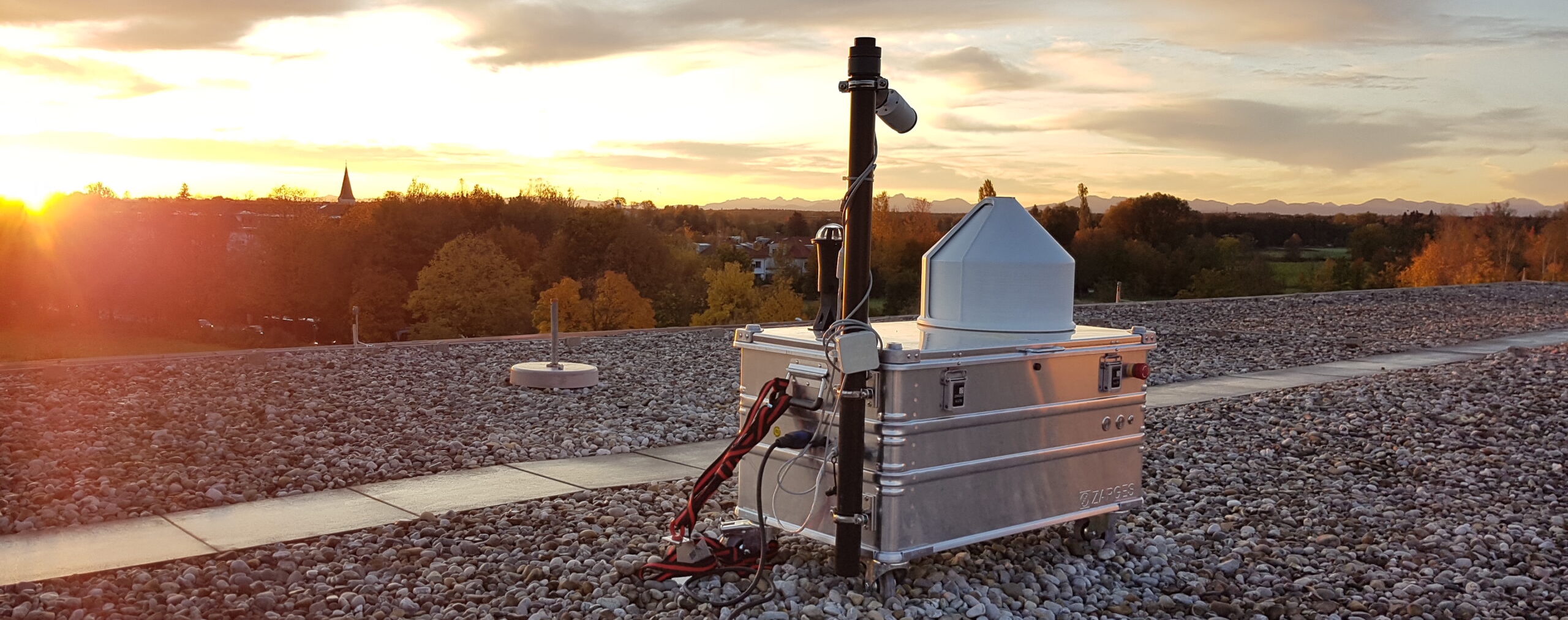
The TUM hardware used by MUCCnet has been described in Dietrich et al. 2021 (doi.org/10.5194/amt-14-1111-2021) and Heinle et al. 2018 (doi.org/10.5194/amt-11-2173-2018).
Pyra does not have power over the PLC concerning safety-related functions. When the PLC is in the "rain was detected" state, the cover will move to its parking position at 0°. Pyra (or any other process on the PC) cannot change that state or move the cover out of the parking position.
What does Helios do?
Helios evaluates the current sun state - whether direct or diffuse sunlight exists. EM27/SUN applications require direct sunlight for measurement data to be useful. Additionally, CamTracker will lose track of the sun with very diffuse light conditions and requires a restart.
The Helios hardware comprises a transparent globe with black stripes glued to it and a translucent milky glass with a camera pointing upwards attached below.
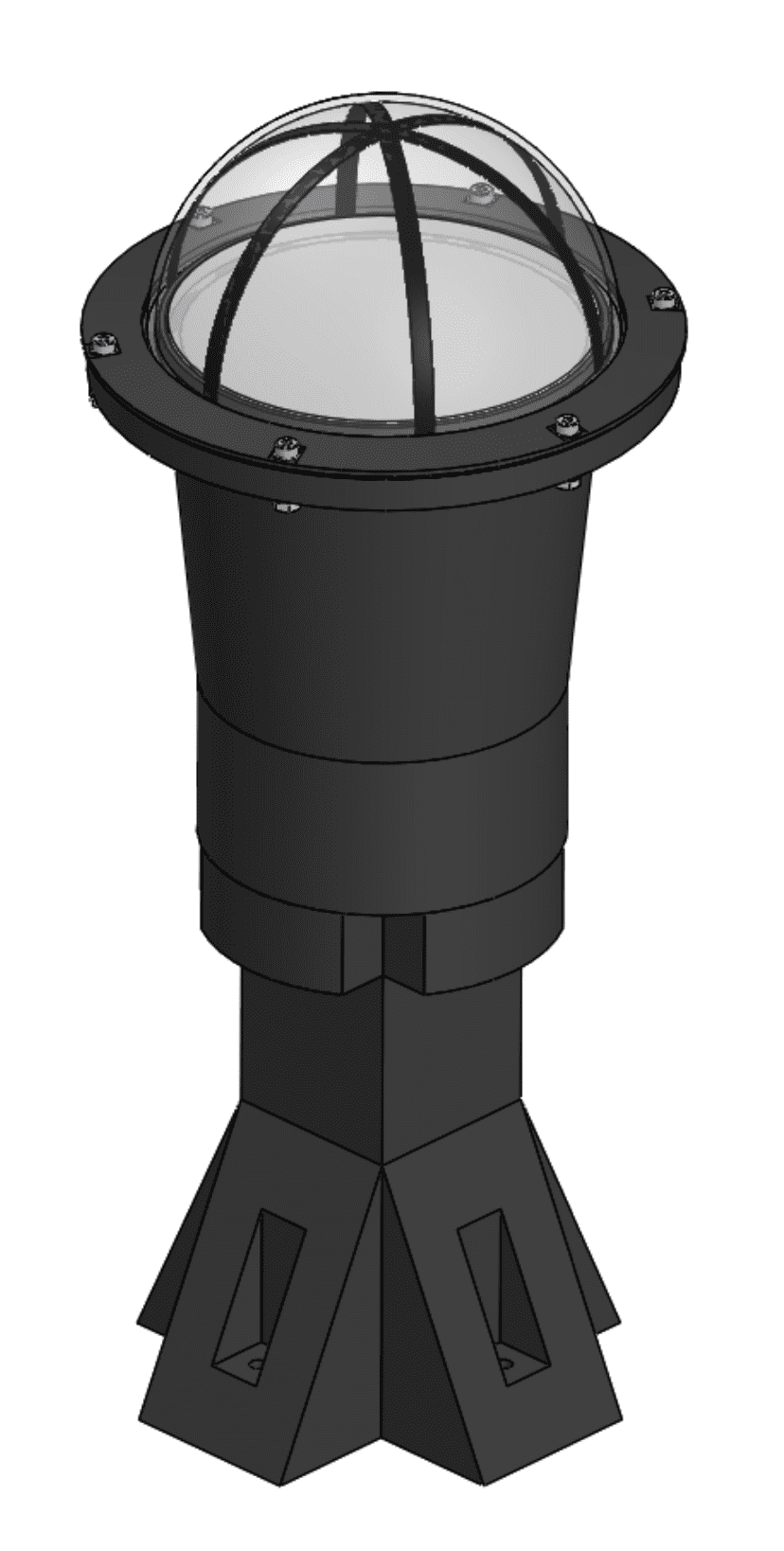
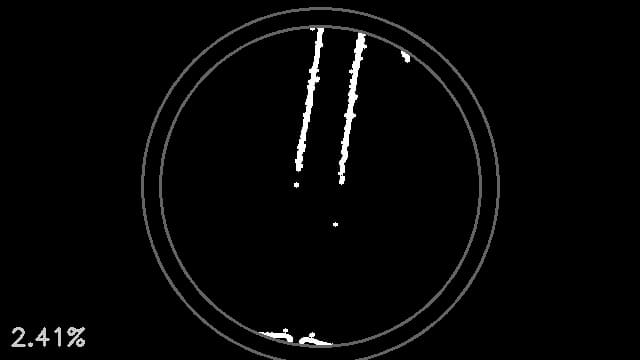
Helios will periodically take images with that camera, process them, and evaluate shadow conditions. The processing will detect the lens circle and cut off the outer 10% of the radius - a lot of unwanted shadows can occur on the edges due to dirt from the outside. Finally, it will use a canny edge filter and count the pixels where "fast transitions between light and dark" can be found. If the pixel count is above a certain threshold (configurable), the sunlight conditions are categorized as "good".
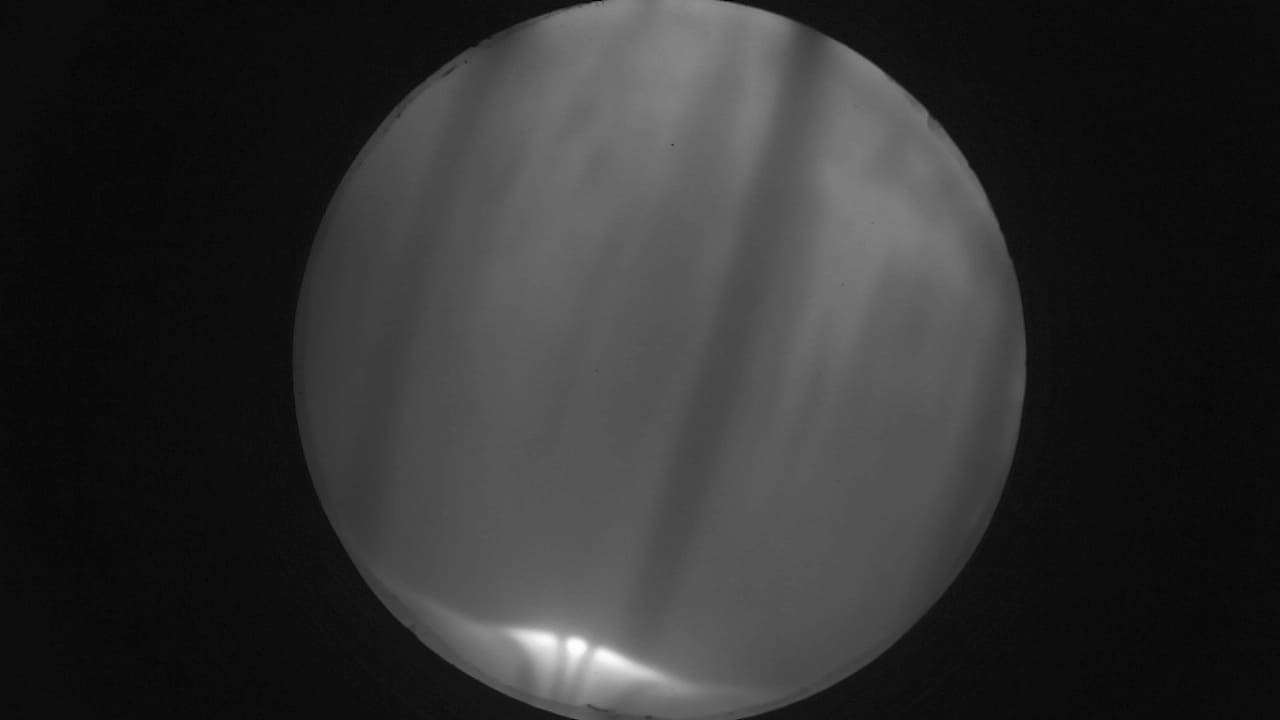
Example images in bad conditions:

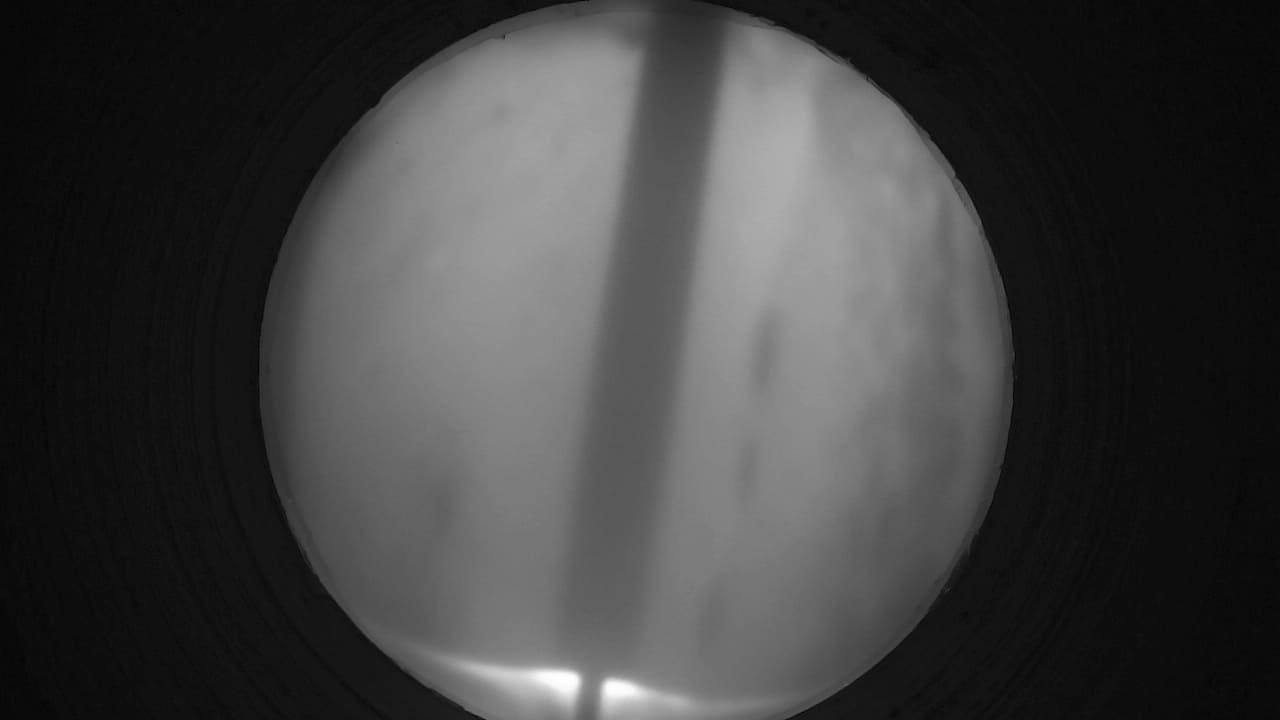
Example images in good conditions:
How to set up Helios
You can use the script in scripts/helios-setup to set up Helios:
scripts/helios-setup/find_helios_camera.pywill look for all cameras connected to the system, take some images with the ones available and save them to thescripts/helios-setup/findingdirectory.scripts/helios-setup/evaluate_helios_camera.pywill run the Helios evaluation for a certain camera id (determined with the first script) and save the raw and processed images to thescripts/helios-setup/evaluationdirectory.